Cozy 2048
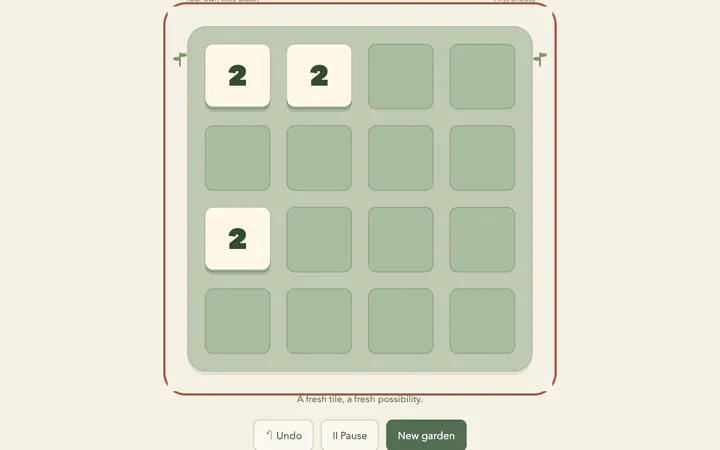
Slide matching tiles together and grow your number garden.
Play Sly Arcade
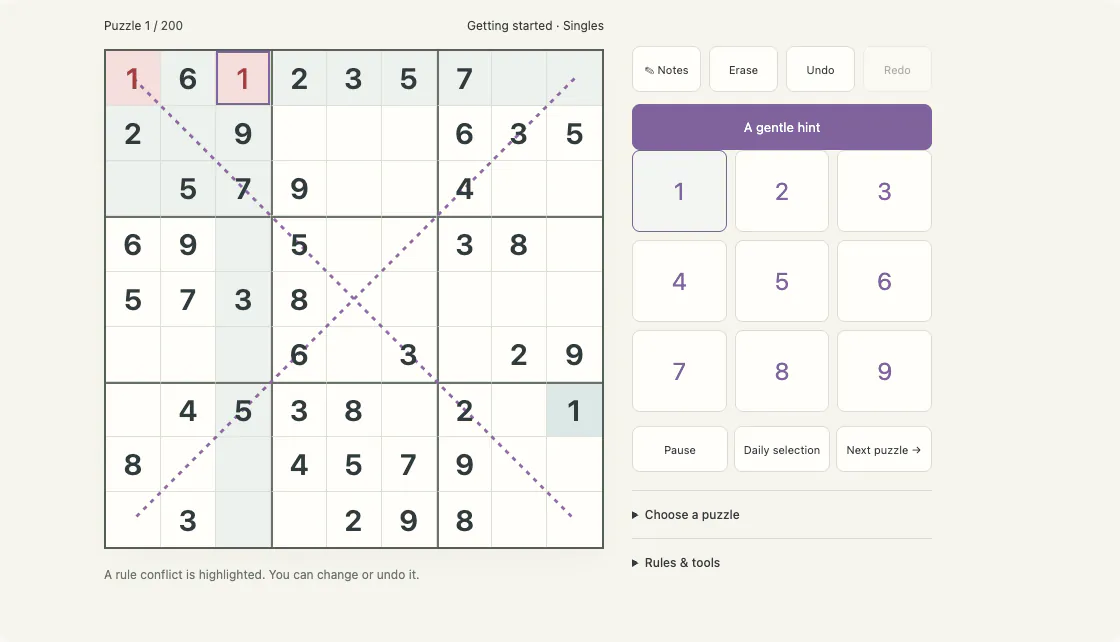
Diagonal Sudoku: 200 original verified puzzles, clear candidate notes, undo and explained logical hints.
Select a cell · 1–9 fill · N notes · arrows move · Delete erase · Ctrl/Cmd Z undo. Use the game’s menu for sound and save tools.
Progress stays in this browser. Export in the game before clearing browser data.
Diagonal Sudoku adds two complete nine-cell diagonals to the familiar grid. A marked cell uses its row, column, box and diagonal together; the center uses both diagonals. The extra lines change candidate relationships while the normal units remain intact.
Keep the ordinary rows, columns and boxes, and use both complete corner-to-corner diagonals as extra units. Select an empty cell before choosing a digit. Given digits stay fixed. On a keyboard, use the arrow keys to move and 1–9 to fill; on a phone, use the digit buttons below the grid.
Only the two marked corner-to-corner diagonals apply. A smaller parallel diagonal has no special rule. Select a diagonal cell and compare its ordinary units with the marked diagonal.
The center belongs to both diagonals. Removing one candidate there can change the available positions on two lines; explain each line separately rather than assuming all purple cells are one region.
Use a diagonal hidden single when a digit has just one remaining position on that full nine-cell line. The puzzle bank requires the extra rule to contribute to the logical solution.
Manual notes let you record candidates without committing to a value. The optional candidate tool is an explicit action, and Undo restores the notes it replaces. A hint first points to cells worth inspecting, then explains the supported logic, and reveals a conclusion only after another request.
The fixed collection is sorted using the techniques and candidate bottlenecks in its logical solutions. Puzzle selection is open from the beginning, so experienced players can choose a later puzzle and newcomers can work through the guided order. These labels describe solver evidence; they are not claims about an independently measured human completion time.
No. A conflict marks a broken rule on the current board. A digit that is different from the eventual solution may remain unmarked while it breaks no visible constraint. You can change it, use Undo or restart safely.
It is a consistent daily choice from the verified collection, marked as a selection or replay. It uses a separate date-specific save and does not add to the 200-puzzle count.
This browser stores each puzzle separately. Reopening restores digits, notes and undo history when the save is valid. Use the game’s Export this puzzle save control before clearing browser data; import that file into the same puzzle and mode. If browser saving fails, the game says so and keeps the current board in this tab.
Learn with the original guide: Treat a diagonal as a complete extra unit.
Keep the ordinary rows, columns and boxes, and use both complete corner-to-corner diagonals as extra units.
Select a cell · 1–9 fill · N notes · arrows move · Delete erase · Ctrl/Cmd Z undo
Automatic saves belong to this browser and this game. Changing devices or clearing browser data does not transfer them. Use the game’s save tools for an exported backup.
Only the two marked corner-to-corner diagonals apply. A smaller parallel diagonal has no special rule. Select a diagonal cell and compare its ordinary units with the marked diagonal.
Treat a diagonal as a complete extra unit.Favorite this game to find it on your Favorites page. The daily center has three dated picks each day; your game progress stays separate from them.
Today’s daily picks